IMPORTANT: From now on, you’re going to be looking at your relationships through the lens of either Casting Directors OR Industry folks. Please make sure your Contacts are tagged appropriately before adding them to an Automated Relationships System.
You select a system to use based on how well you know your Contact. We don't want your relationships to fall through the cracks whether you're creating, building or maintaining them.
Go to the Relationships main dashboard and click on the Contact you’d like to add to a system.
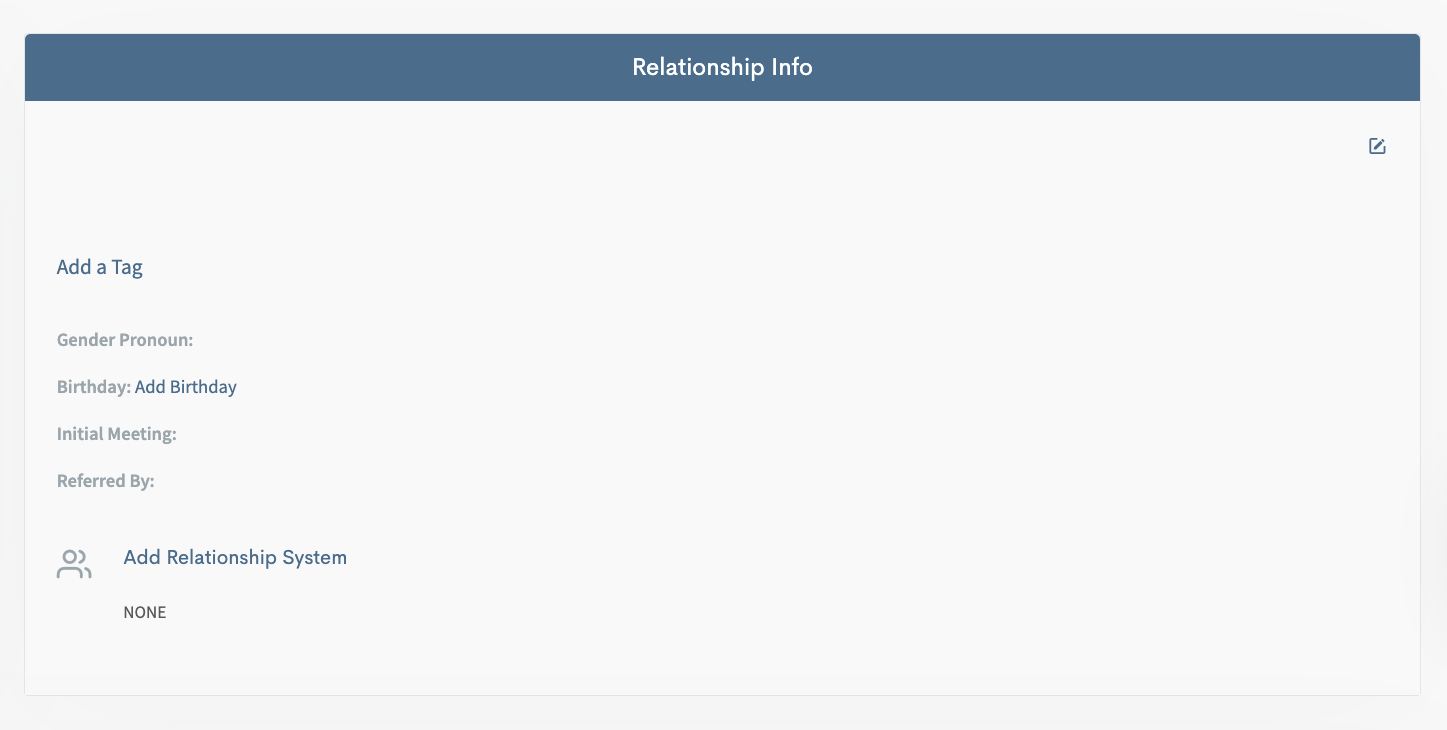
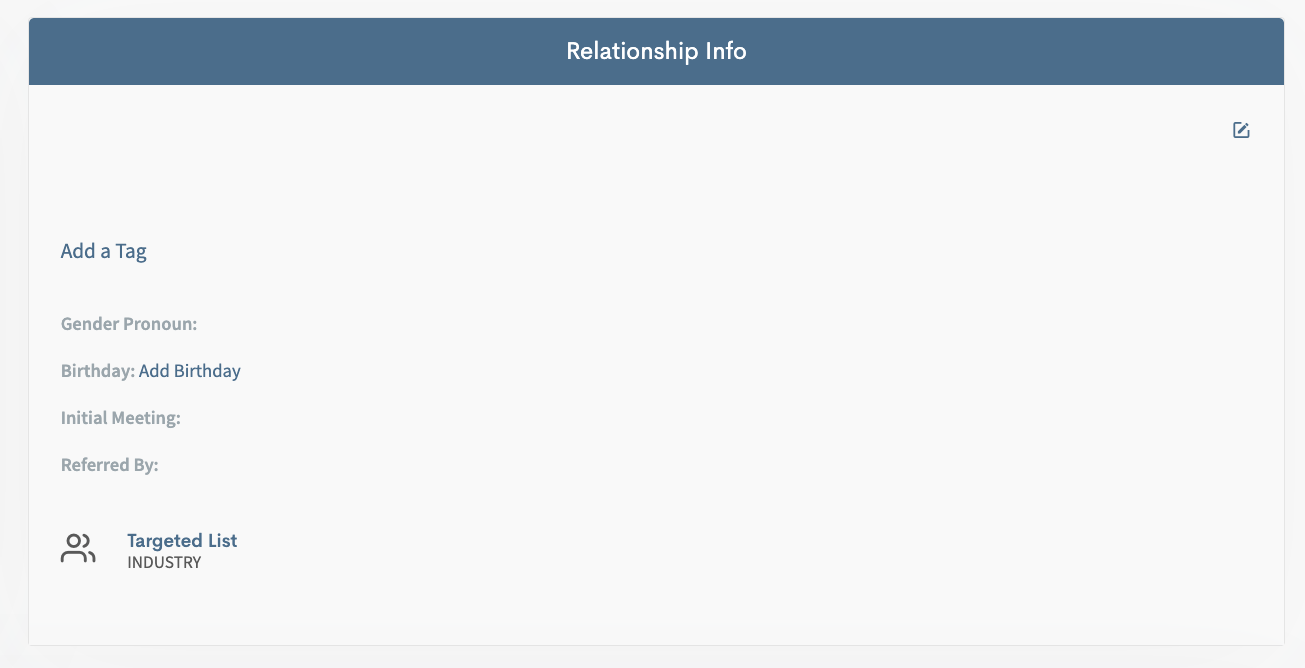
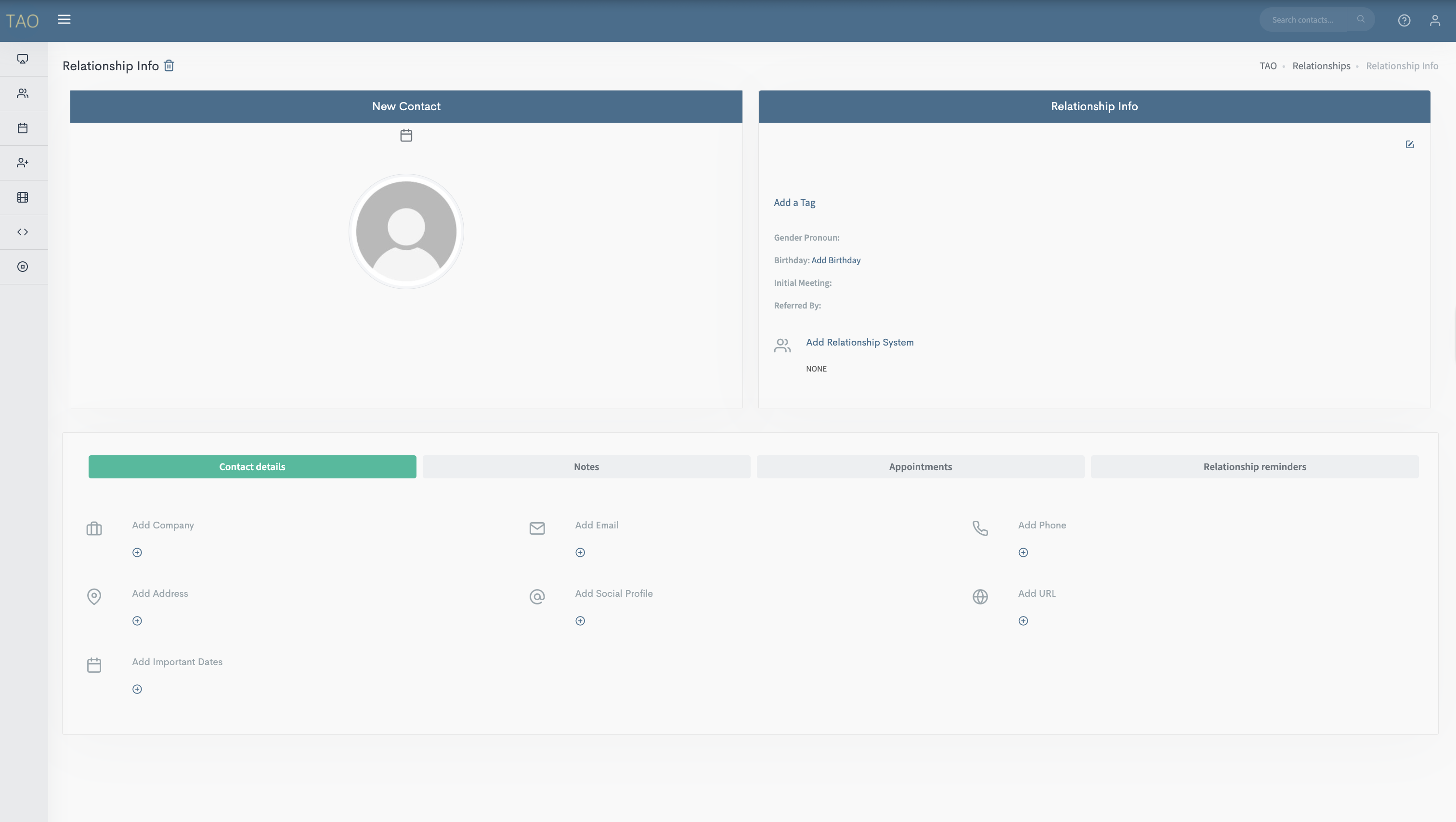 Then click on Add Relationship System.
 This will open a pop up screen where you get to choose either:
Targeted List
Follow-Up List
Maintenance List
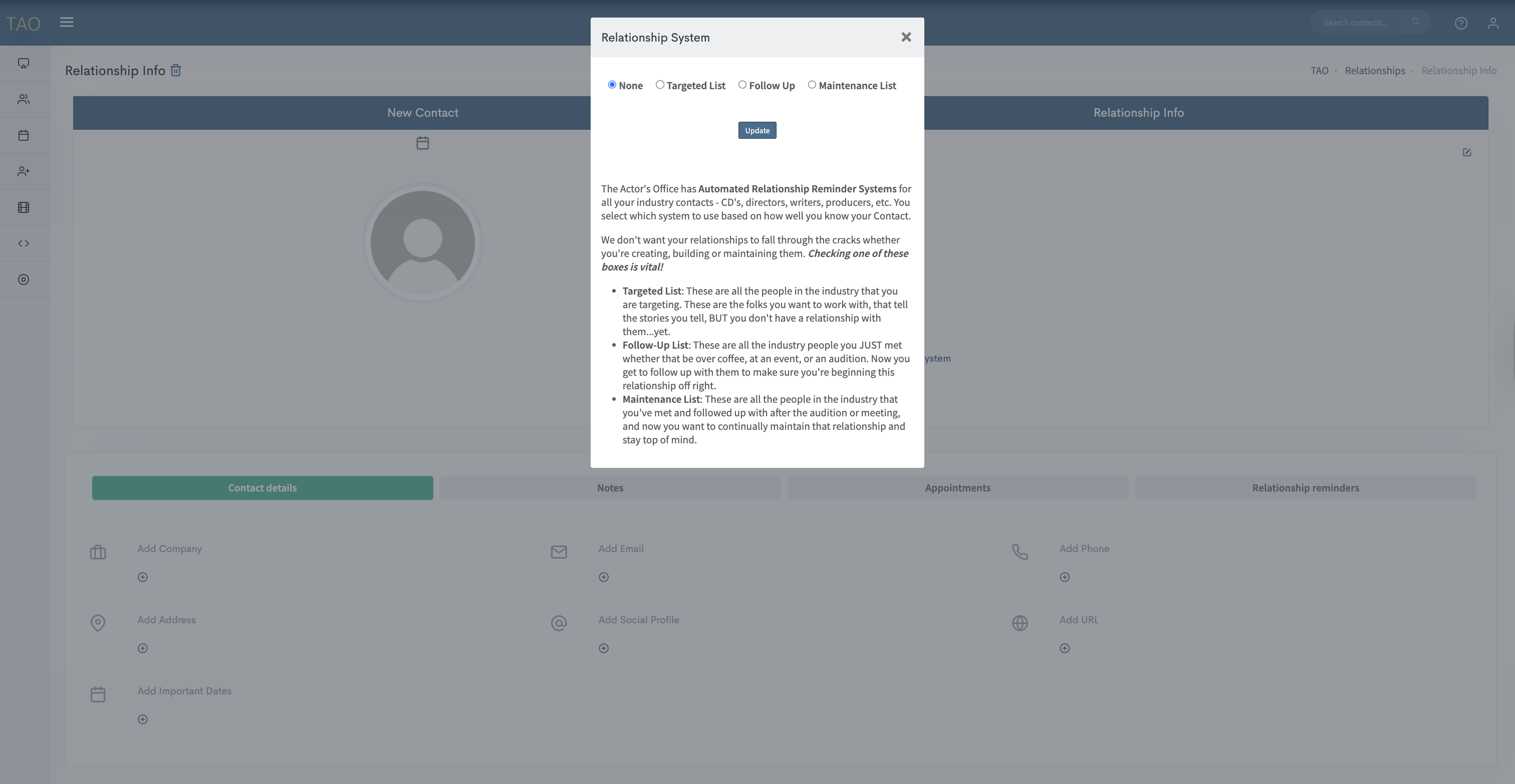
Select the appropriate system for the contact and hit Update.
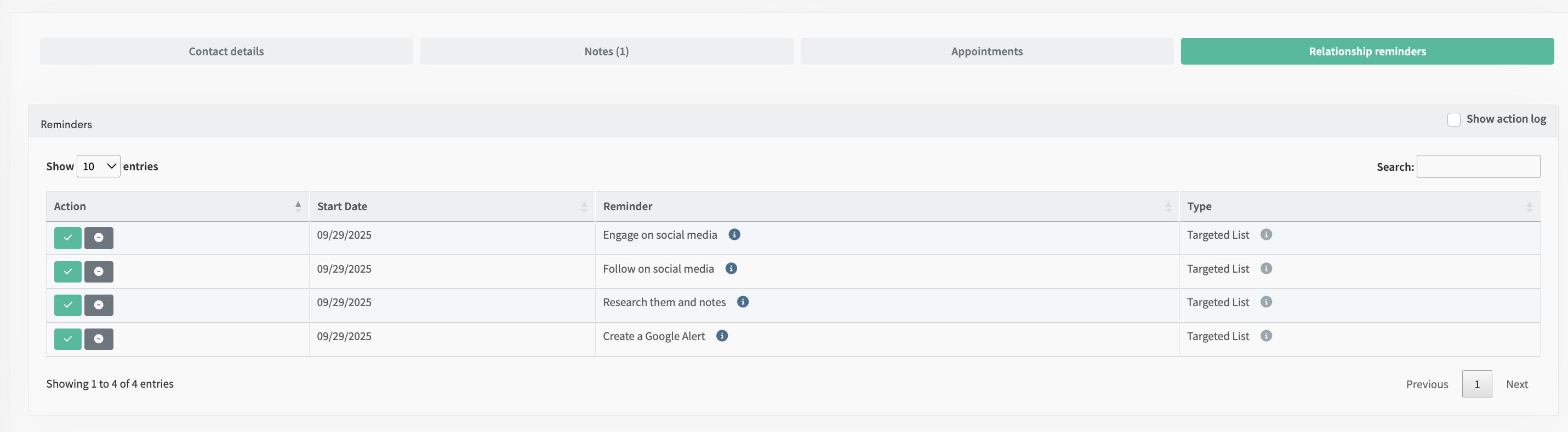
Now that the contact is saved to a system you can select Relationship Reminders to see an overview of what tasks are coming up.