The Auditions Module is designed to keep track of every element of every audition that you have. Consistent use of the Auditions module will help you understand which headshots are getting you in the room the most, which of your brand essences you’re being called in for most often, and who is calling you in and for what. This overall look at your auditions gives you key marketing insight into your career.
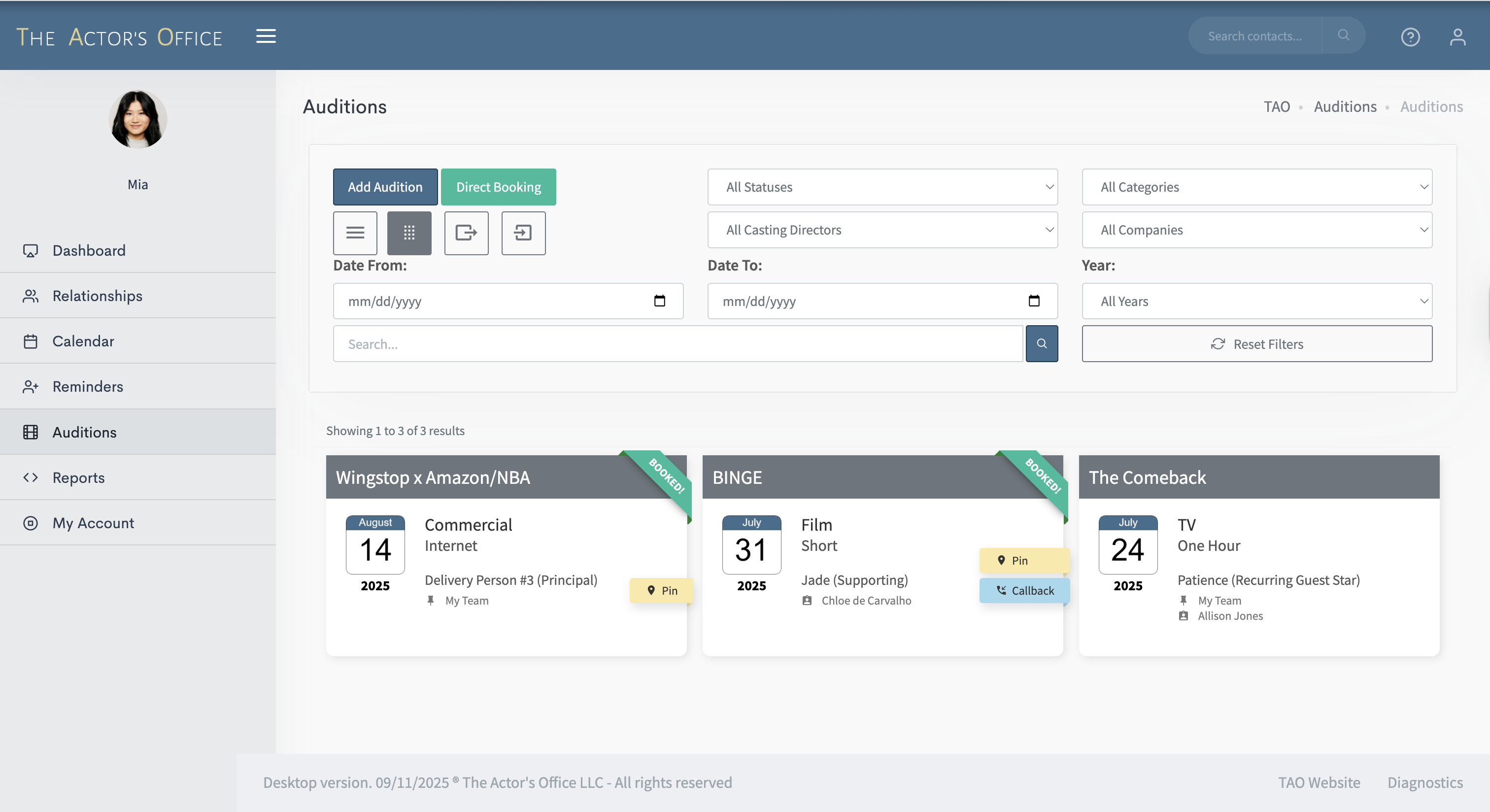
Let’s dive in. There are two different layout options for the AM:
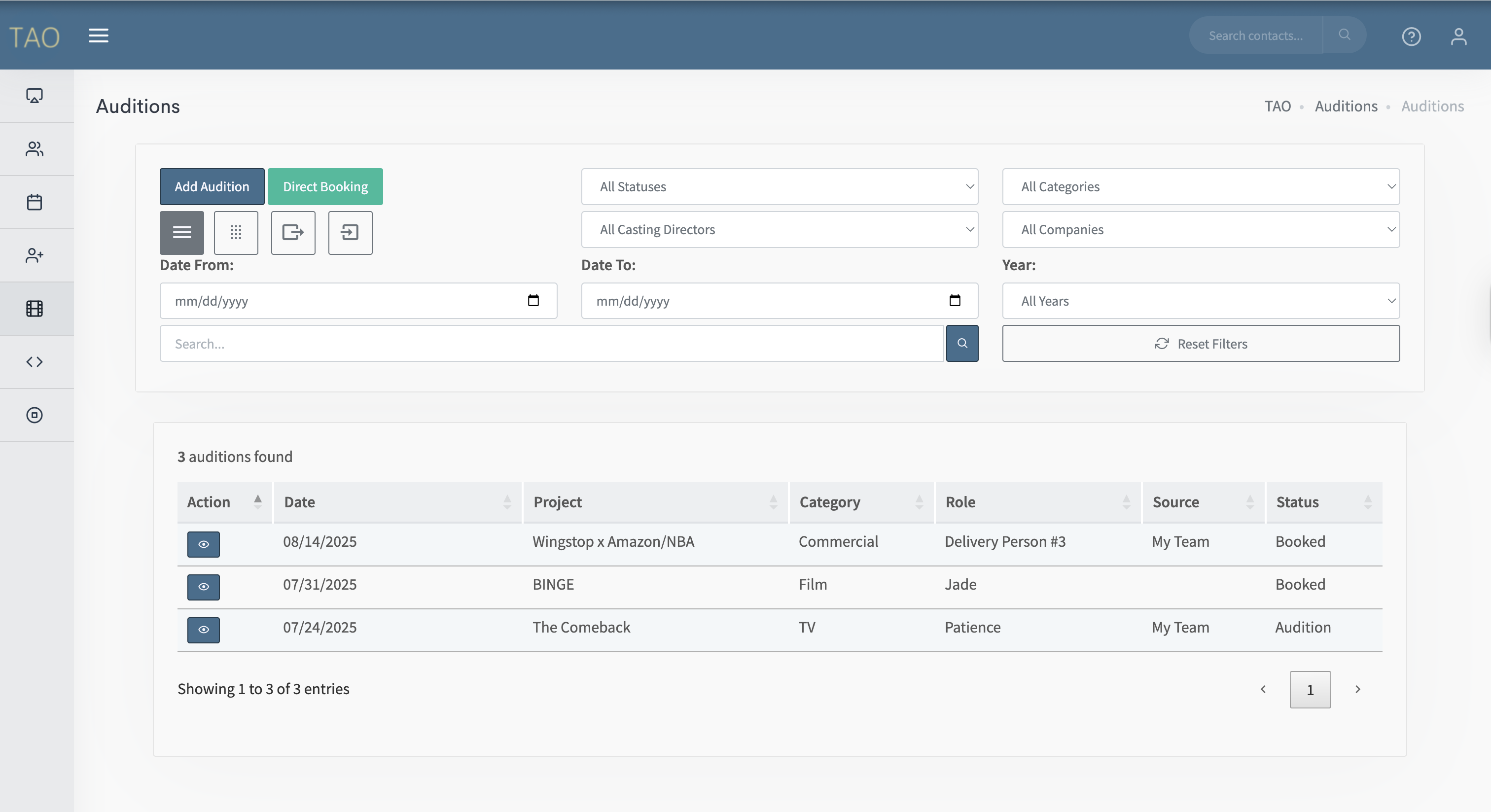
Table/List view
and Card View
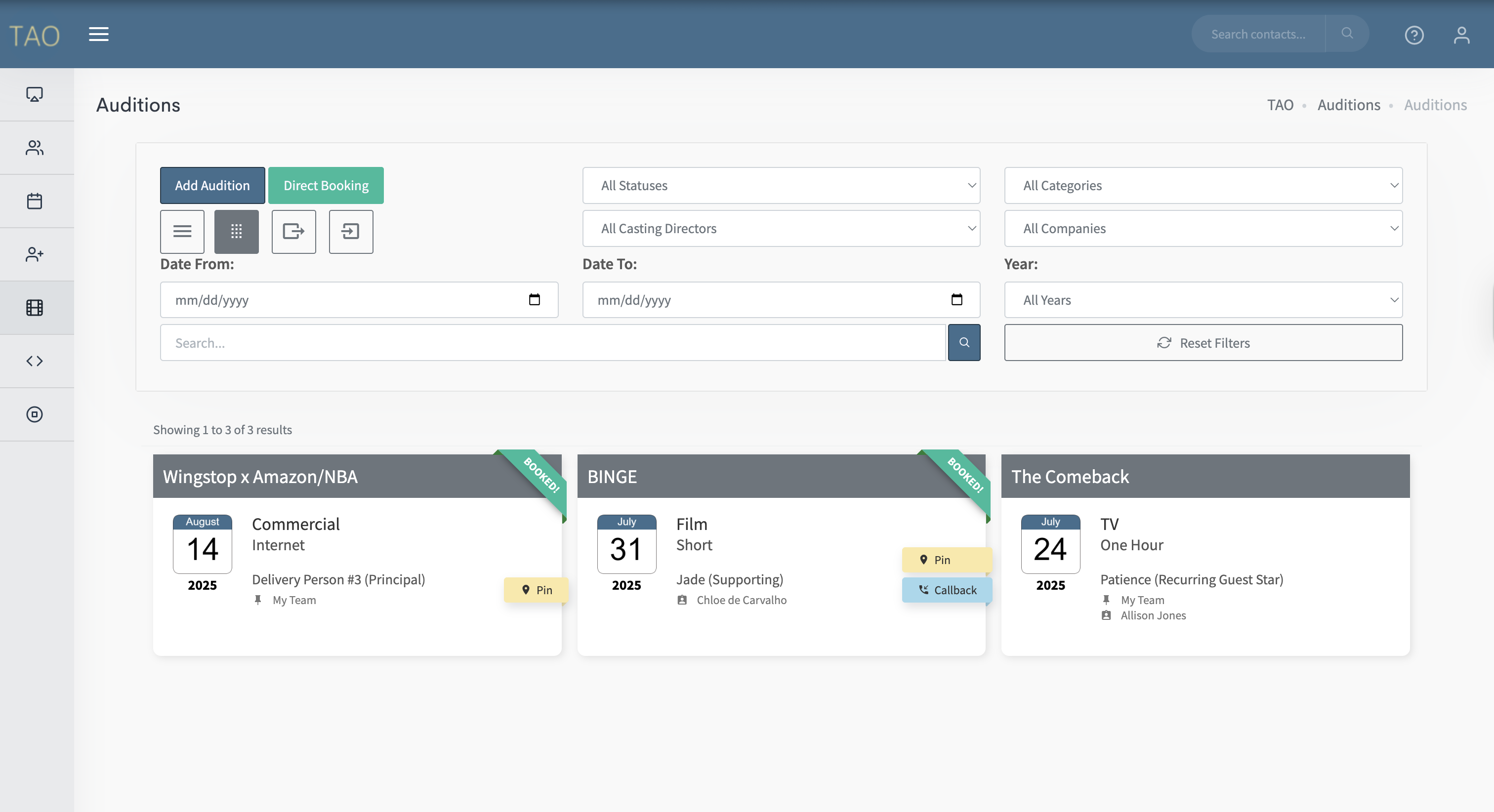
Your most recent auditions will be at the top and the further down they go, the older they are.
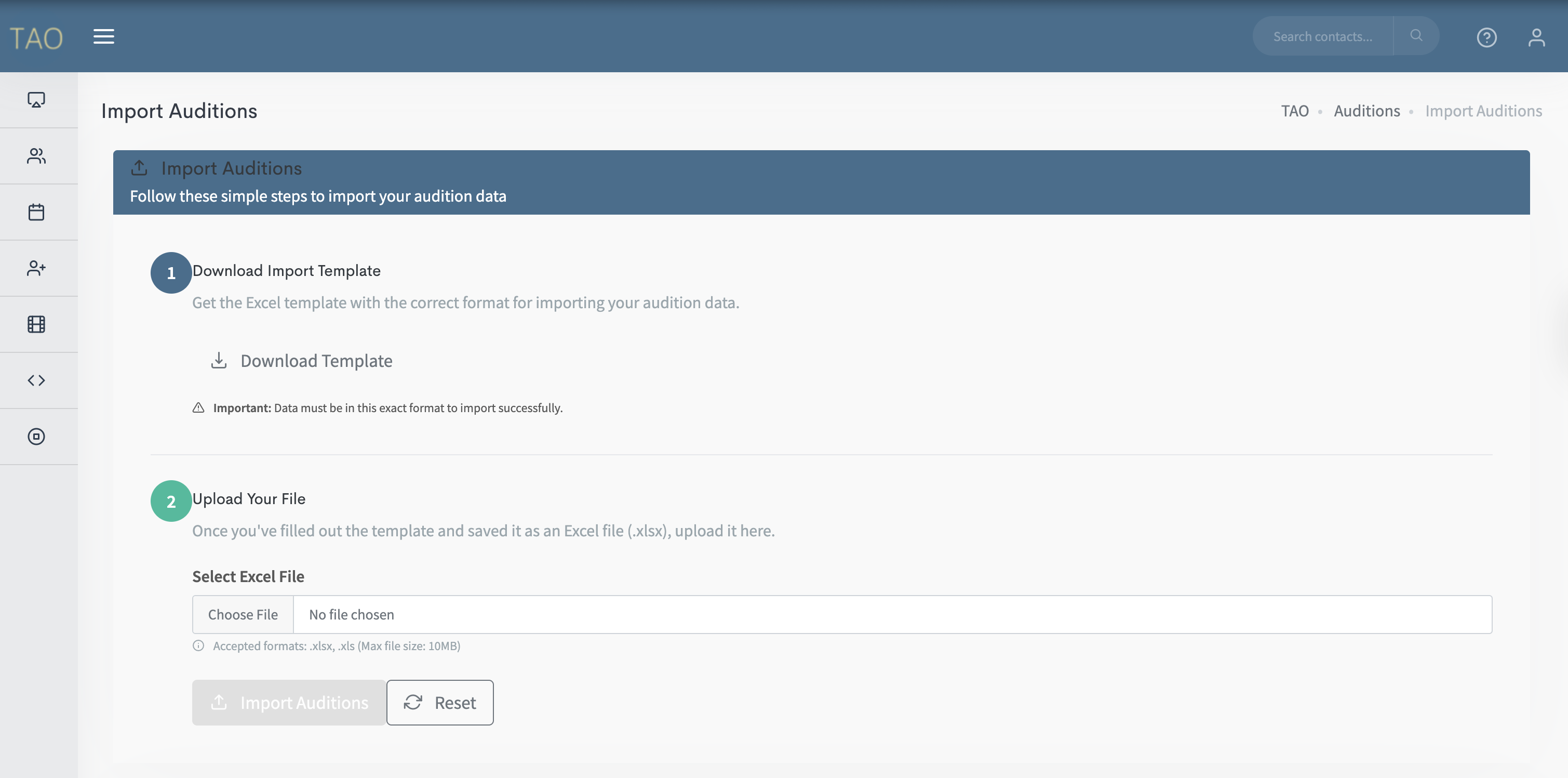
At top where you can “Add an Audition” you can also search past, present, and future auditions, alter the layout view, and Import contacts in bulk.